
Parametric models · practical guides
Set spacer dimensions without scaling the bore
Use independent source parameters for height, outside diameter, and bore. The shown geometry is not a physical tolerance recommendation.
Download these original sample files directly. Creating models, checking files and AI edits in PurCad use the credit terms shown before each paid action.
Files
Open the SCAD workspace, upload model.scad as the main source, change a parameter and compile. Compare the dimensions, then download the STL from that successful build.
Download these original sample files directly. Creating models, checking files and AI edits in PurCad use the credit terms shown before each paid action.
Parameters to check
| Parameter | Value | Checked endpoint values |
|---|---|---|
outside_diameter | 20 mm | 12 / 40 |
bore_diameter | 5 mm | 2 / 16 |
height | 12 mm | 4 / 40 |
Geometry evidence
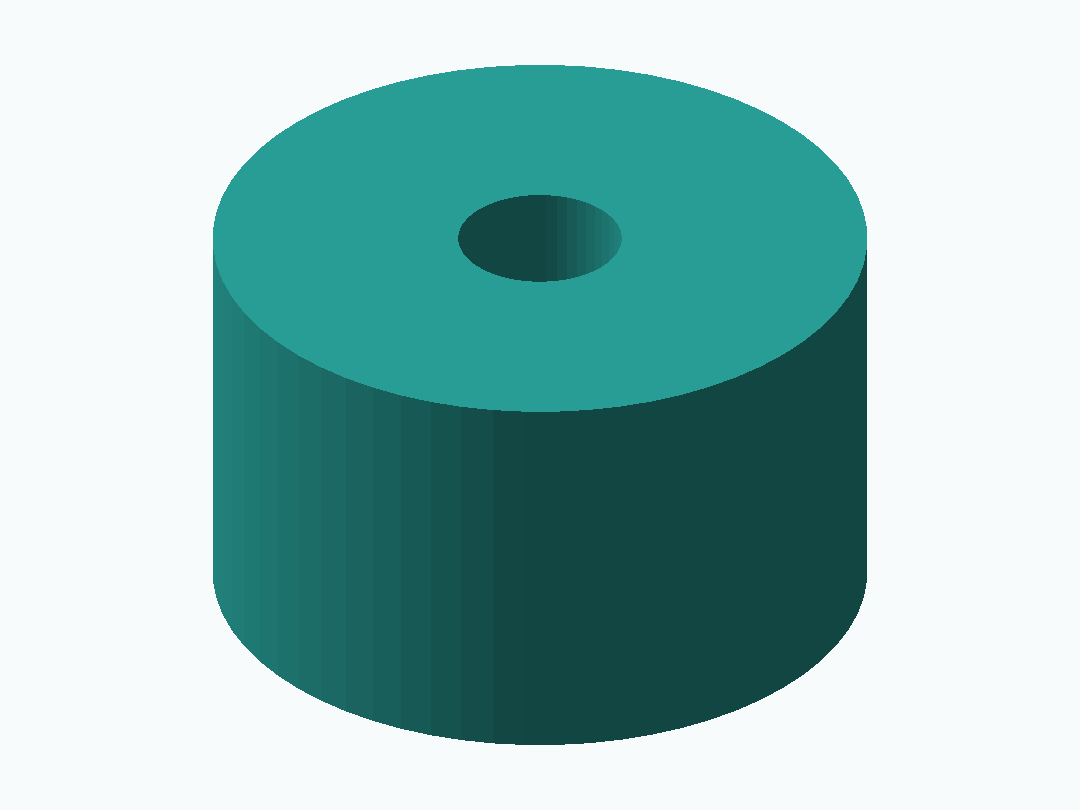
Model file bounds, including any arranged parts: 20 × 20 × 12 mm.
A displayed model and its dimensions are geometry evidence, not proof of physical fit, strength, electrical clearance, or print success.
Build measurements (JSON)Measure the stack and fastener
Record the required separation, mating faces, fastener diameter, and any washer, flange, or insert interface. Keep these as separate constraints rather than scaling a finished part.
Calibrate printed bores locally
Printed bores can differ from CAD dimensions due to process and material. Print a small coupon, measure it, and revise the bore parameter while preserving the rest of the spacer geometry.
Questions this page answers
How do I make a spacer with my inside diameter, outside diameter and height?
Enter those as independent dimensions in an editable source model. Rebuild the model and check each displayed value against your measurement record.
Why is the printed bore smaller than the CAD dimension?
Printing, material, and machine settings can reduce an internal opening. Measure a test and adjust the bore deliberately; do not assume the CAD bore equals the printed result.
Can I change height while preserving the screw clearance?
Yes when height and bore are separate source parameters. Rebuild and inspect the result instead of applying whole-model scaling.
When do I need a flange or an insert pocket?
Add them only when the mating interface requires load distribution, retention, or a threaded insert. Their dimensions need their own measured requirements and a fit test.