
Workflow
AI CAD generator for editable functional parts
Generate editable CAD for brackets, clips, enclosures and other functional parts from text and measurements. Inspect the model, adjust supported dimensions, review geometry checks and export the selected version as STEP, STL, OBJ or 3MF.
Define the part’s functional constraints
- Name the job, the mating interfaces, and the available envelope in millimeters.
- Give hole diameters, center distances, fasteners, wall thickness, and clearance where fit matters.
- State load direction and material assumptions, then plan a physical fit test.
Use AI where the job can be measured
The strongest inputs describe a function, mating interfaces, available space, fasteners and expected load. A wall bracket with two measured hole positions is a better generation target than an object described only by style. PurCad keeps those constraints attached to the project.
Move from request to editable geometry
Write the requirement, include the dimensions that control fit, and choose a generation quality. PurCad builds geometry and exposes supported parameters in Sizes. Change a value directly or request a focused refinement; each result is recoverable. Focused refinements usually use fewer credits than a new generation.
Review evidence before downloading
Use the 3D viewport, section view and measurements to inspect the built result. Check combines requested features with real OCCT geometry facts, blockers, risk and assumptions; Download prepares files only for the selected version.
Know what generation does not prove
A generated solid is a design draft, not certification of strength, fit or manufacturing safety. Verify material, tolerances, fastening and load cases with physical tests or qualified engineering review when failure could cause damage or injury.
Inspect an existing PurCad project
The 40-tooth chainring case records its dimensions, OCCT geometry checks and versioned exports. It is a CAD concept, not a proven riding component.
Read the case study (English)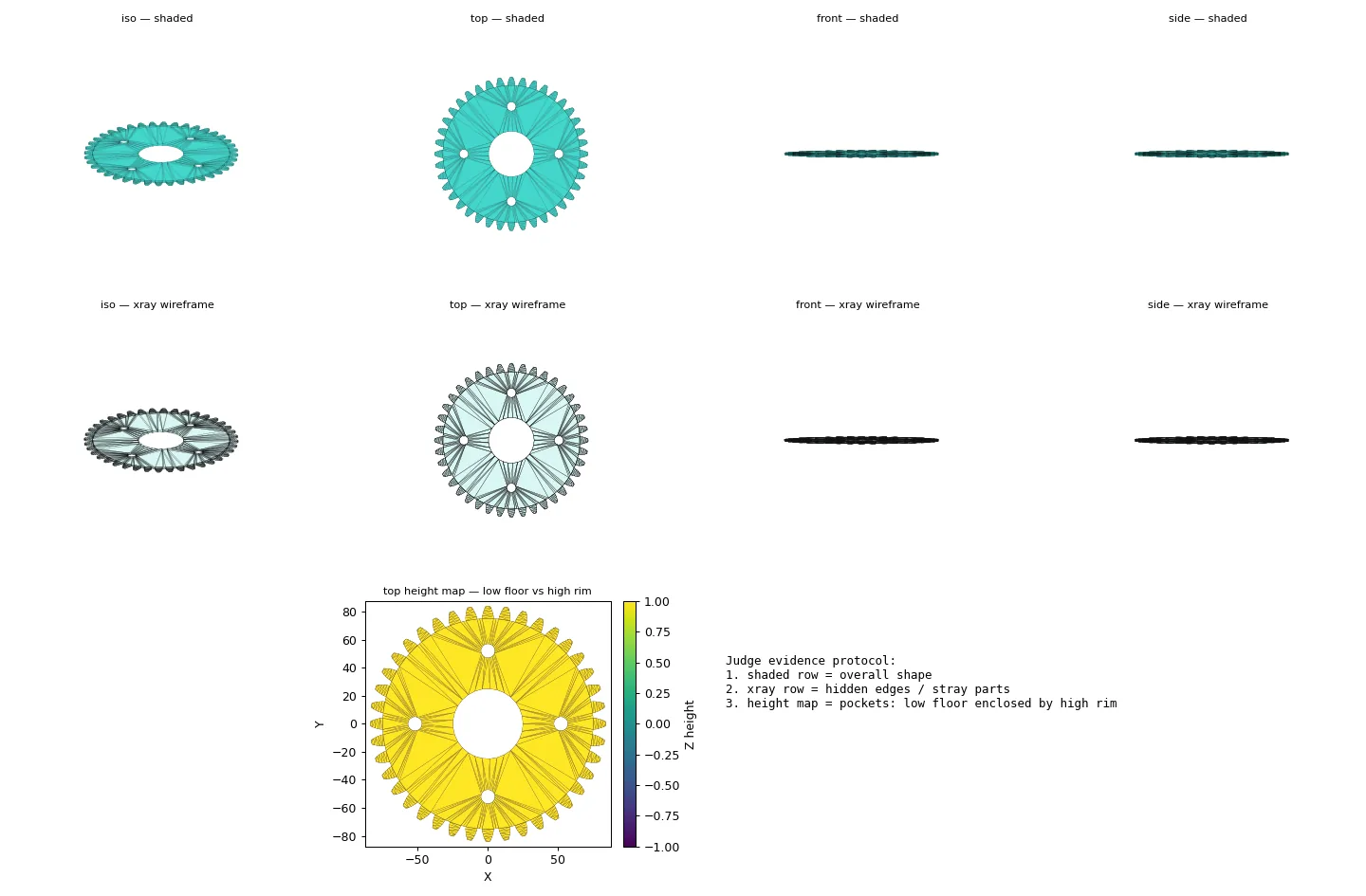
Real case study
From a bicycle frame opening to a physical TPU prototype
A complete PurCad workflow with a measured interface, editable parameters, slicer evidence and a printed prototype.
View the TPU bicycle-frame plug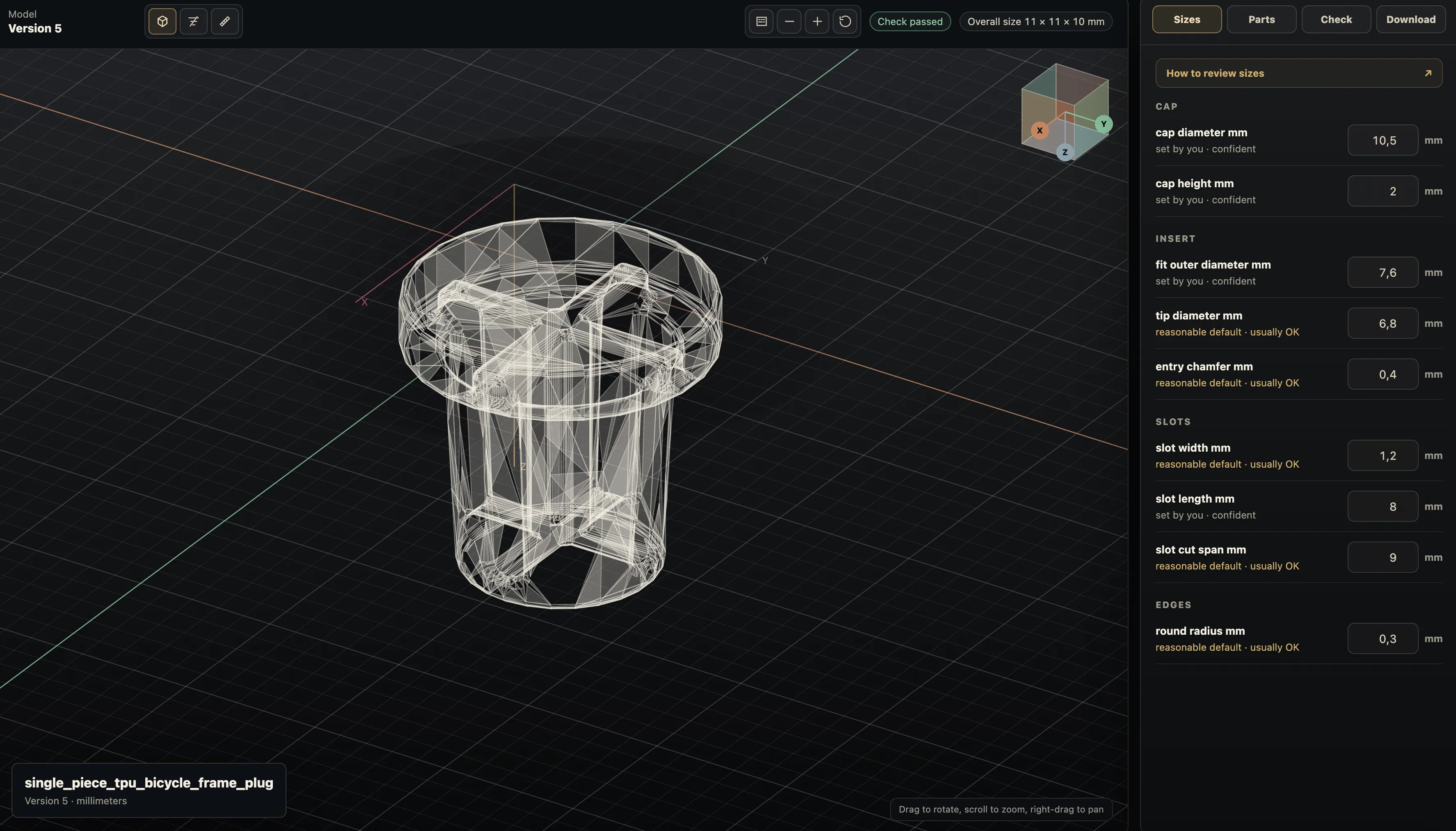
Practical questions
Can AI generate a usable CAD part from a text prompt?
It can start a functional CAD draft when the prompt contains measurable constraints. Review the built geometry, assumptions, and critical interfaces before using the part.
What should I include in an AI CAD prompt?
Describe function first, then interfaces, dimensions, fasteners, clearances, and the intended export. A named part without those constraints leaves the important decisions unspecified.