
Workflow
CAD version history: compare and restore designs
Keep earlier CAD versions while you change dimensions or refine a design. Inspect an older result, restore it as needed and prepare downloads from the version you chose, so a successful fit is not lost during the next experiment.
Keep design alternatives recoverable
- Create a version when geometry or a critical parameter changes.
- Label the reason for the change and keep the measured acceptance criteria nearby.
- Verify the selected version before downloading, sharing, or making it current.
Create a version whenever geometry changes
Prompt generations, parameter edits and restores should leave an auditable result. This makes it possible to compare a risky feature change with a known-good model and prevents the newest attempt from silently erasing earlier work.
View, make current or restore deliberately
View inspects history without changing the project head. Make current moves the current-version pointer non-destructively. Restore as new clones a historical design into a new version so further work continues without rewriting history.
Keep checks and files version-scoped
Each version has its own validation and artifacts. Confirm the selected version label before downloading or sharing a file. A successful older export does not prove that a later geometry change passed the same checks.
History supports recovery, not automatic design judgment
PurCad can preserve alternatives but cannot decide which revision best satisfies unrecorded requirements. Add clear prompts and measurements so version comparisons reflect explicit acceptance criteria rather than visual preference alone.
Inspect an existing PurCad project
The 40-tooth chainring case records its dimensions, OCCT geometry checks and versioned exports. It is a CAD concept, not a proven riding component.
Read the case study (English)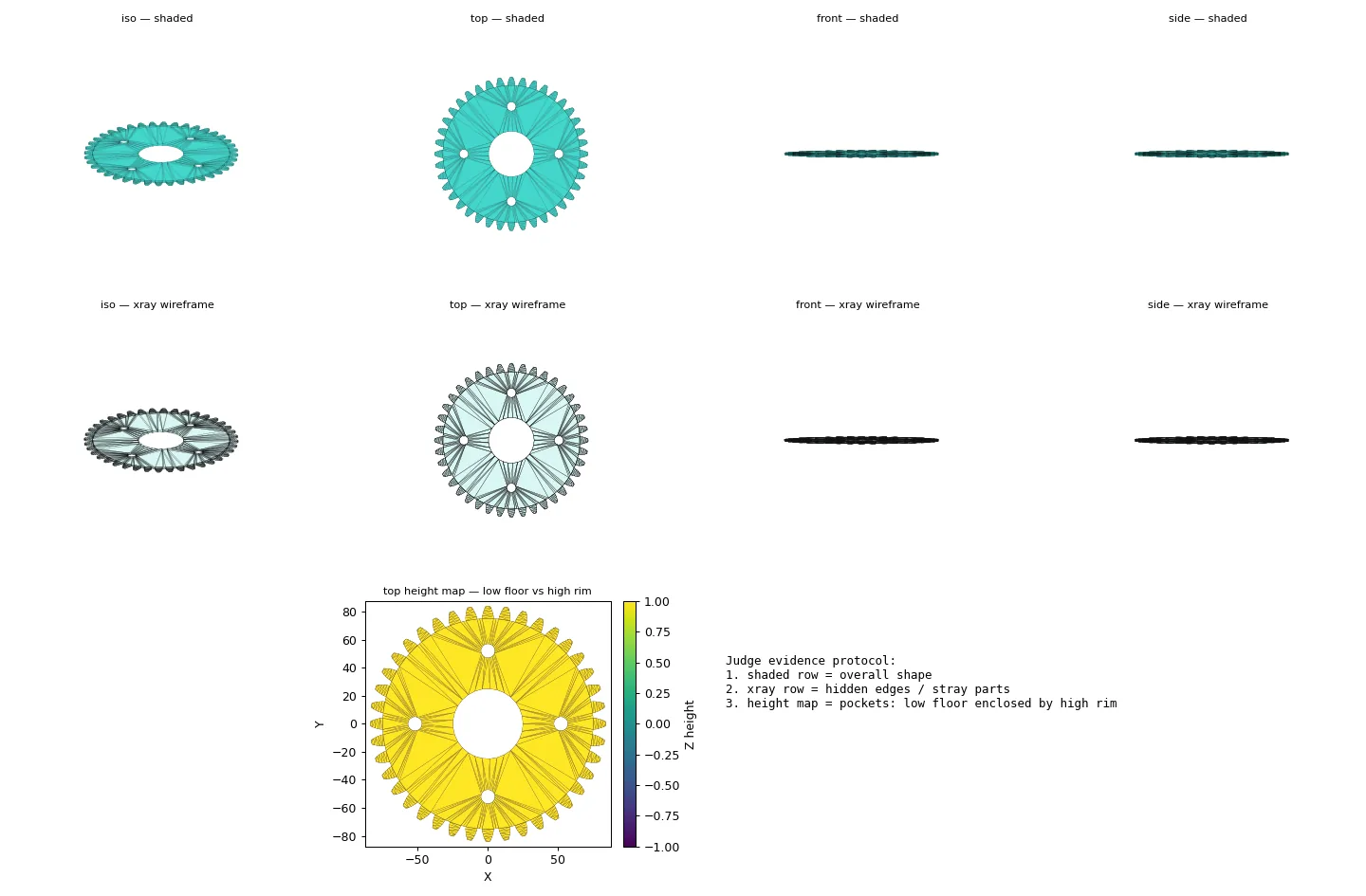
Practical questions
How should CAD version history work during iteration?
Keep each meaningful generated or edited state recoverable so you can compare it with a known-good design. Viewing, selecting as current, and restoring an old design are different actions that should remain explicit.
Can an old CAD export prove the newest version is correct?
No. Exports and checks belong to the version they were created from. A later change needs its own geometry review and export selection before handoff.