
Workflow
Export editable CAD geometry as STEP
Export a checked PurCad model as STEP when the next person or CAD tool needs solid geometry. Compare STEP with mesh formats, verify the receiving model’s size and keep your source project because STEP does not preserve the original design history.
Prepare a STEP handoff for the receiving CAD system
- Confirm the recipient needs solid geometry for CAD, CAM, or assembly work.
- Select the checked version and record its units, overall bounds, and solid count.
- Send the requirement and key measurements with the file when another person must review it.
Choose STEP for solid-geometry handoff
Use STEP when the recipient needs measurements, face-based operations, assembly context or CAM preparation. Keep STL or 3MF for slicers. State the receiving tool and manufacturing stage so the project preserves the reason for the format choice.
Prepare exports from an explicit version
Select the current or historical version, open Download and request STEP alongside any companion formats. PurCad builds artifacts for that version and keeps their metadata linked to it, reducing accidental delivery of a stale model.
Open the file in the receiving system
Confirm units, overall bounds, solid count and critical interfaces after import. Different CAD kernels may represent names and feature history differently even when the solid transfers correctly. Compare key measurements with the PurCad Check report.
STEP preserves geometry, not PurCad's whole project history
The receiving system gets solid geometry, not every prompt, provenance record or native editable feature. Deliver the requirement and validation notes with the file when another person must understand why dimensions were chosen.
Inspect an existing PurCad project
The 40-tooth chainring case records its dimensions, OCCT geometry checks and versioned exports. It is a CAD concept, not a proven riding component.
Read the case study (English)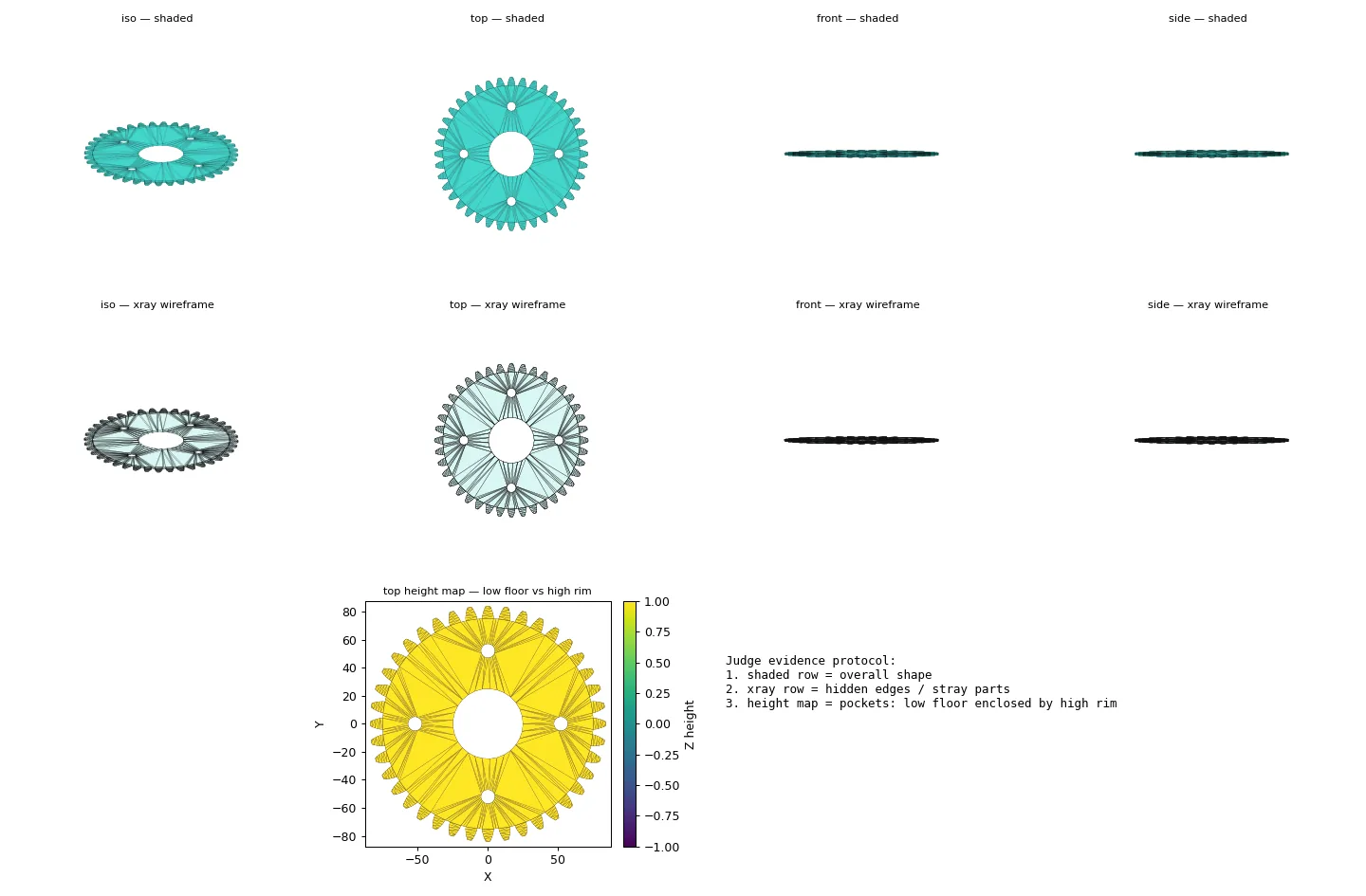
Practical questions
What is STEP used for in CAD?
STEP transfers B-Rep solid geometry between many mechanical CAD and CAM tools. It is usually a better handoff than a triangle mesh when the recipient needs faces, measurements, or downstream engineering work.
Does a STEP file preserve CAD parameter history?
Usually it transfers geometry rather than the original feature tree, prompts, or project history. Keep the source project and validation notes if later editors need to understand why the dimensions were chosen.