
Workflow
Design a measured electronics enclosure for 3D printing
Design a custom electronics enclosure or cover around the board, ports, mounting holes and cables it must contain. Include wall thickness, lid clearance and assembly access, then inspect the CAD before exporting a test print.
Set up your part in PurCad
Enter your measurements in millimetres. This prepares a request in the editor; review it before starting generation.
Capture the enclosure’s openings and assembly constraints
- Measure the device envelope, connector cutouts, mounting bosses, cable bend space, and lid overlap.
- Choose wall thickness, fasteners or snaps, ventilation needs, and service access.
- Check clearance around ports and print a partial face before the full enclosure.
Measure the internal envelope and service zones
Record component bounds, connector positions, cable bend space, ventilation and screw access. Include tolerances for manufacturing and assembly. Define every internal keep-out volume with measurements.
Build shell, openings and mounting in stages
Generate the main volume and wall first, then add connector cutouts, standoffs and lid features in focused revisions. Preserve wall, clearance and hole positions as named controls so component changes remain manageable.
Inspect sections through every interface
Use section view to check internal collisions and wall continuity. Verify connector access, fastener insertion and whether the cover can be assembled without trapping cables. Print the mating edge or one corner before a full enclosure.
Environmental and electrical protection require more evidence
PurCad does not certify IP rating, flame resistance, insulation spacing or thermal performance. Enclosures for mains electricity, heat, liquids or hazardous environments need applicable engineering and compliance testing.
Real case study
From a bicycle frame opening to a physical TPU prototype
A complete PurCad workflow with a measured interface, editable parameters, slicer evidence and a printed prototype.
View the TPU bicycle-frame plug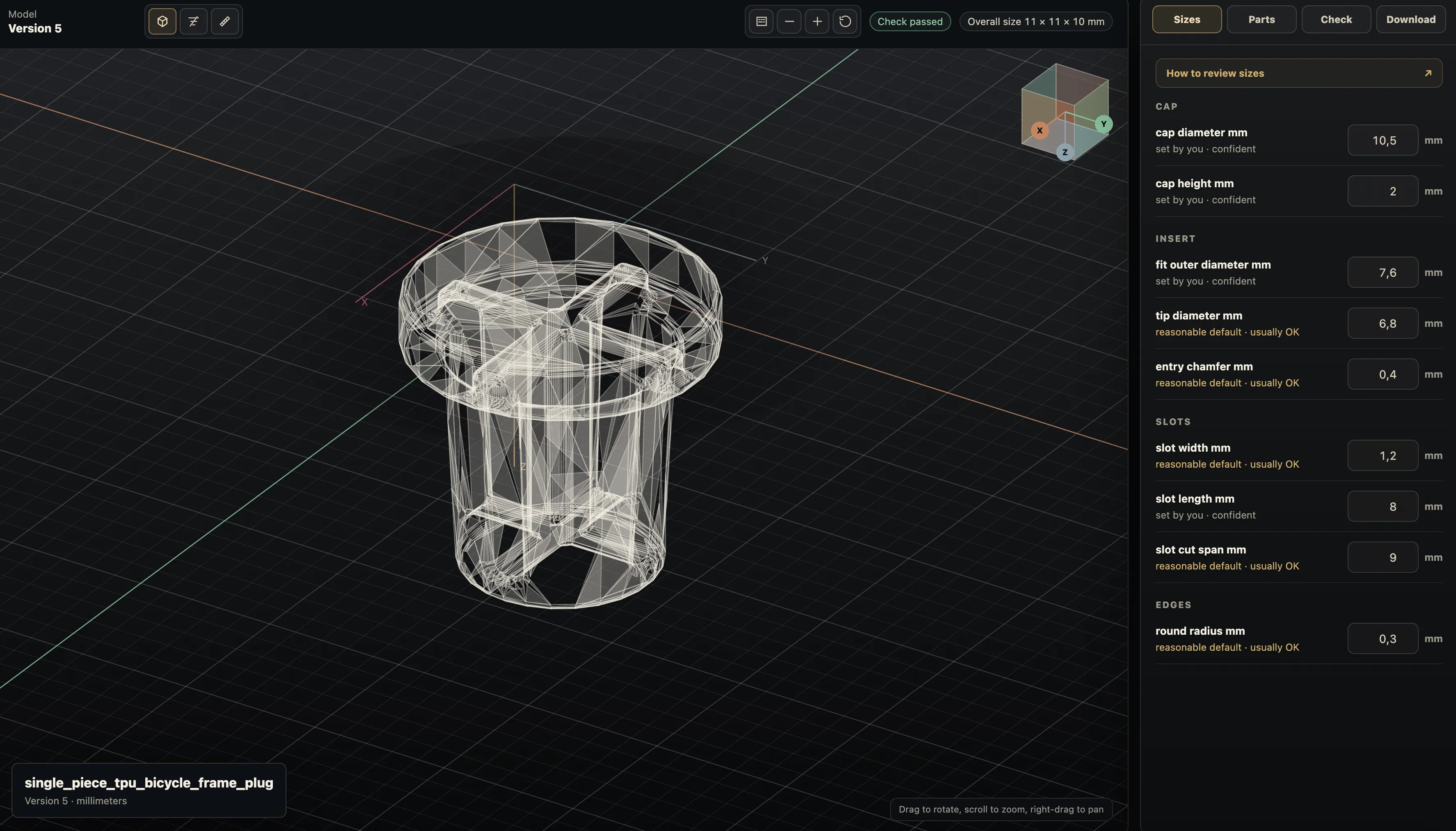
Practical questions
What measurements do I need for a custom electronics enclosure?
Measure the board or device envelope, mounting holes, connector positions, cable clearance, heat paths, and cover joint. A box outside size alone will not ensure that ports and screws align.
Can I 3D print a protective cover from CAD?
Yes, after checking wall thickness, openings, assembly method, and material suitability. Test the fit and heat behavior in the actual use environment, especially around electronics or moving equipment.