
Workflow
Edit CAD dimensions without scaling the whole model
Change a hole diameter, bracket width or wall thickness in a PurCad project without scaling every feature together. Edit a supported parameter or request a focused revision, then compare the result with the previous version before exporting.
Change a dimension without losing the interface
- Name the exact dimension, its current value, target value, and unit.
- List dependent features such as a hole pattern, mating face, wall, or countersink.
- Compare the modified version with the prior checked version before export.
Find the dimension by function
Sizes groups overall envelope, fit dimensions and fasteners. Labels and source information explain whether a value came from you or from a model default. Confirm the unit and the physical feature before typing a replacement.
Use direct edits for values and prompts for structure
Change an existing parameter when only a number is wrong. Use a follow-up request when the part needs a new hole, rib, opening or relationship. This split keeps simple revisions predictable and reserves generation for structural work.
Inspect the delta and current version
After the edit, compare overall bounds and the affected feature in the viewport. Read the version delta, then rebuild downloads for that version. Previous exports remain evidence of earlier states and should not be confused with the new geometry.
A valid number can still be a bad design choice
Parameter bounds prevent obviously unsupported values, but they do not prove fit or strength. Large dimensional changes can alter wall thickness and load paths. Re-check the complete part and test the interface physically.
Inspect an existing PurCad project
The 40-tooth chainring case records its dimensions, OCCT geometry checks and versioned exports. It is a CAD concept, not a proven riding component.
Read the case study (English)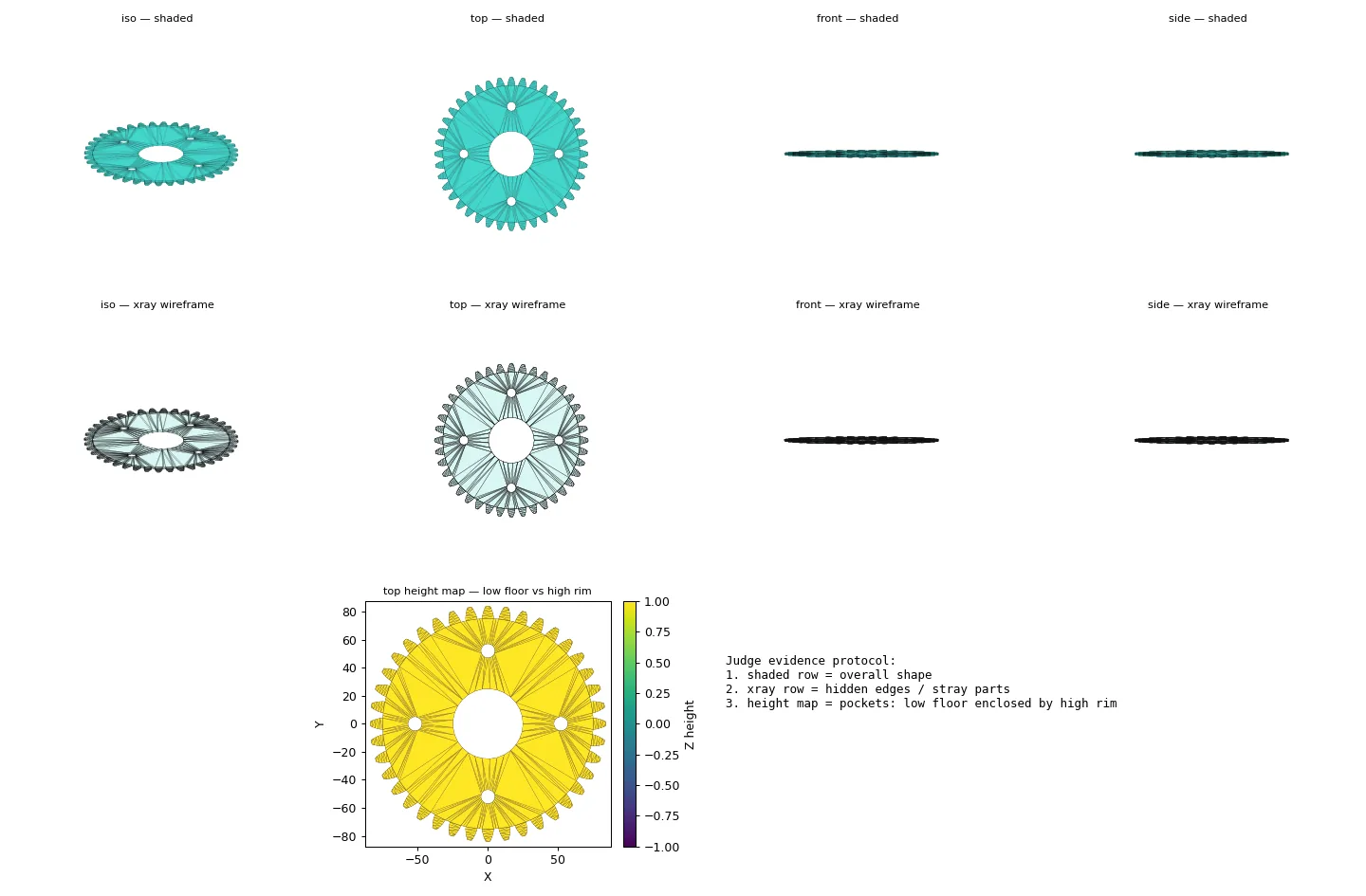
Practical questions
Can I edit dimensions in AI-generated CAD?
Supported parameters can be changed directly, and focused revisions can request a specific change. Treat the result as a new version and inspect geometry and fit again because related features may be affected.
Which CAD dimensions should I verify after an edit?
Verify the changed value plus all mating interfaces, wall thicknesses, clearances, and overall bounds. A single dimension can change the placement or remaining material around another feature.