
Workflow
Parametric CAD with editable dimensions
A parametric CAD model keeps dimensions such as hole spacing, diameter and wall thickness editable. Use PurCad to create a measured draft, change supported parameters and inspect how each revision changes the geometry.
Choose the dimensions that should stay editable
- Identify the values that control fit: hole spacing, diameter, wall thickness, and overall envelope.
- Record where each dimension came from and which values are assumptions.
- Group related changes so an interface is checked again after a parameter edit.
Choose parameters that represent design decisions
Useful controls describe fit, envelope, fasteners, wall thickness and clearance. Avoid exposing decorative numbers that users cannot relate to the part. PurCad groups parameters by purpose so a mating diameter is not confused with an overall size.
Change a value or request a focused revision
Edit an existing parameter directly for deterministic dimensional changes. When the required feature is missing, use a follow-up request that names the feature and target relationship. Every change becomes a new version with a recorded delta.
Prove that the parameter changes geometry
PurCad rejects dead visible dimensions whose value does not influence a supported geometric field. After an edit, inspect the new bounds and relevant feature, then compare the version summary before preparing fresh exports.
Parametric does not mean every shape is unconstrained
Large changes can invalidate clearances, topology or the original manufacturing intent. Respect declared bounds and re-run physical-fit checks after significant edits. Restore a known-good version when a revision moves beyond the tested design envelope.
Inspect an existing PurCad project
The 40-tooth chainring case records its dimensions, OCCT geometry checks and versioned exports. It is a CAD concept, not a proven riding component.
Read the case study (English)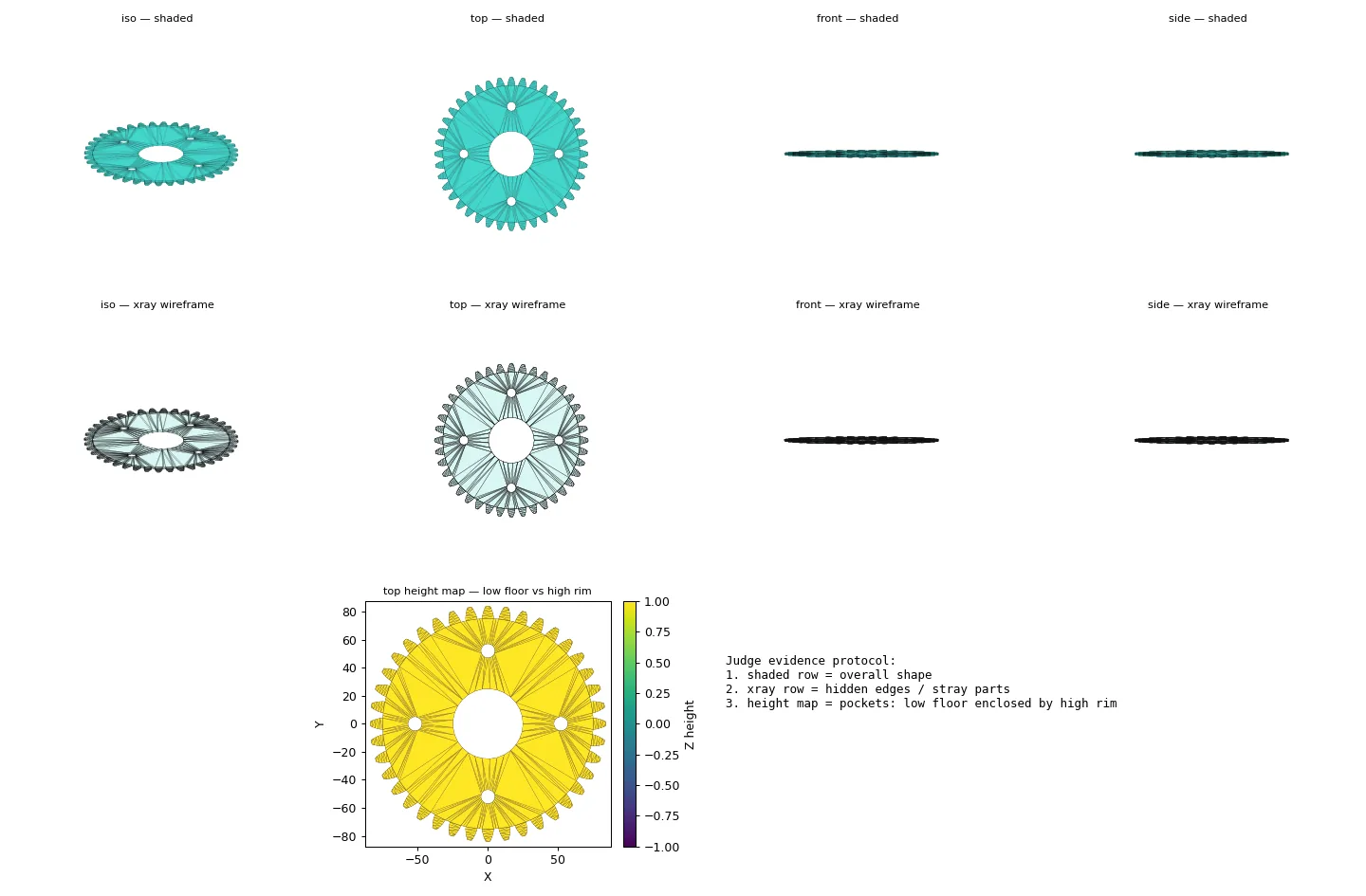
Practical questions
What is parametric CAD useful for?
Parametric CAD is useful when a part has dimensions likely to change, such as a bracket made for several hole spacings. It keeps the important values explicit instead of burying them in a mesh.
Can changing one CAD dimension break a part?
Yes. A larger hole, thinner wall, or shifted center can remove material or violate clearance. Recheck bounds, connected bodies, and the measured interface after every meaningful change.