
Workflow
From a part description to checked CAD in PurCad
Looking for an AI OpenSCAD generator? Describe your part here, add the dimensions that control its fit, and continue in PurCad to generate, inspect and edit the model.
Set up your part in PurCad
Enter your measurements in millimetres. This prepares a request in the editor; review it before starting generation.
Bring the dimensions that determine fit
- Describe the part's job and the surfaces it touches.
- Give measured dimensions in millimetres; identify any unknowns.
- Specify the holes, clearances and export format you need.
Start with the part you need
A spacer, cover or drill guide starts with a measurable requirement. Name the mating part, overall size, hole pattern and clearance. Use the form below to carry your own request into the editor.
ChatGPT + OpenSCAD and PurCad: different working methods
An OpenSCAD workflow keeps the model in editable code, with direct control over its construction. In PurCad’s OpenSCAD mode, paste or upload authored .scad source and dependencies, compile it, adjust named parameters and keep versioned source beside the model. The native CAD editor remains available for STEP and other CAD workflows.
Check the generated part before exporting
In PurCad, inspect the generated geometry, compare critical dimensions with your measurements and read the reported assumptions and failed checks. Edit supported parameters or request a revision. Export the selected checked version as STEP, STL, OBJ or 3MF.
Know what the checks establish
OpenSCAD mode preserves authored source, dependencies and matching source/STL downloads; it does not promise natural-language generation of an OpenSCAD script from an empty project. Compile status is separate from explicit STL model validation. Geometry checks do not establish physical fit, strength or printability for every printer. Check the slicer and test the mating features before relying on the part.
Inspect an existing PurCad project
The 40-tooth chainring case records its dimensions, OCCT geometry checks and versioned exports. It is a CAD concept, not a proven riding component.
Read the case study (English)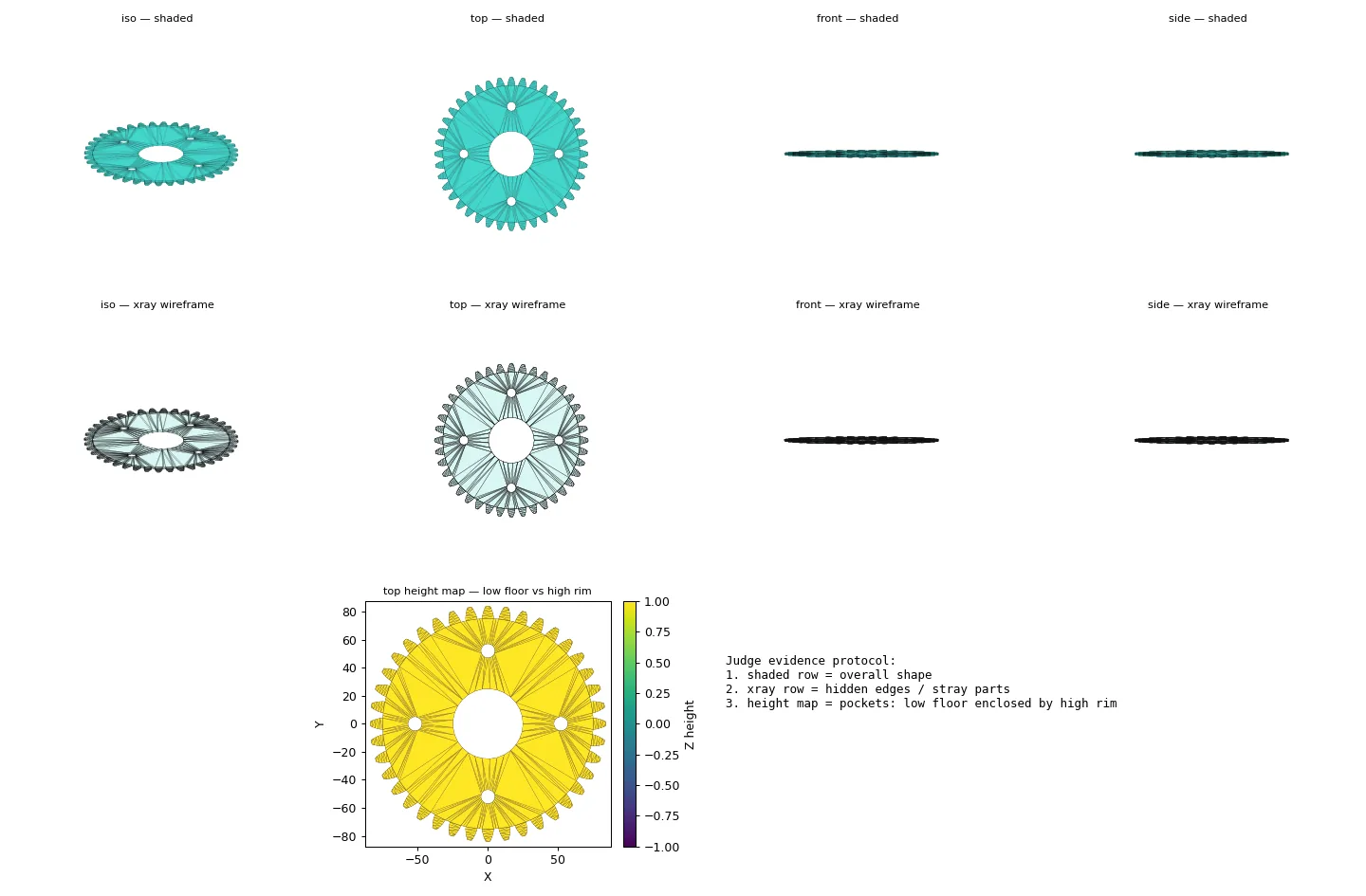
Practical questions
Does PurCad generate OpenSCAD scripts?
OpenSCAD mode lets you paste or upload authored .scad source and dependencies, compile it, make bounded AI source edits, and download matching SCAD, STL or a source package. It does not promise to generate an OpenSCAD script from an empty natural-language request.
Can I make the part without moving between ChatGPT and OpenSCAD?
Yes. Prepare the request here and continue in PurCad to generate the model, inspect dimensions and checks, revise it and export the selected version. Generation uses the normal PurCad credit flow.